SimPreview for Mac
One click on the pull request. Simulator takes it from there.
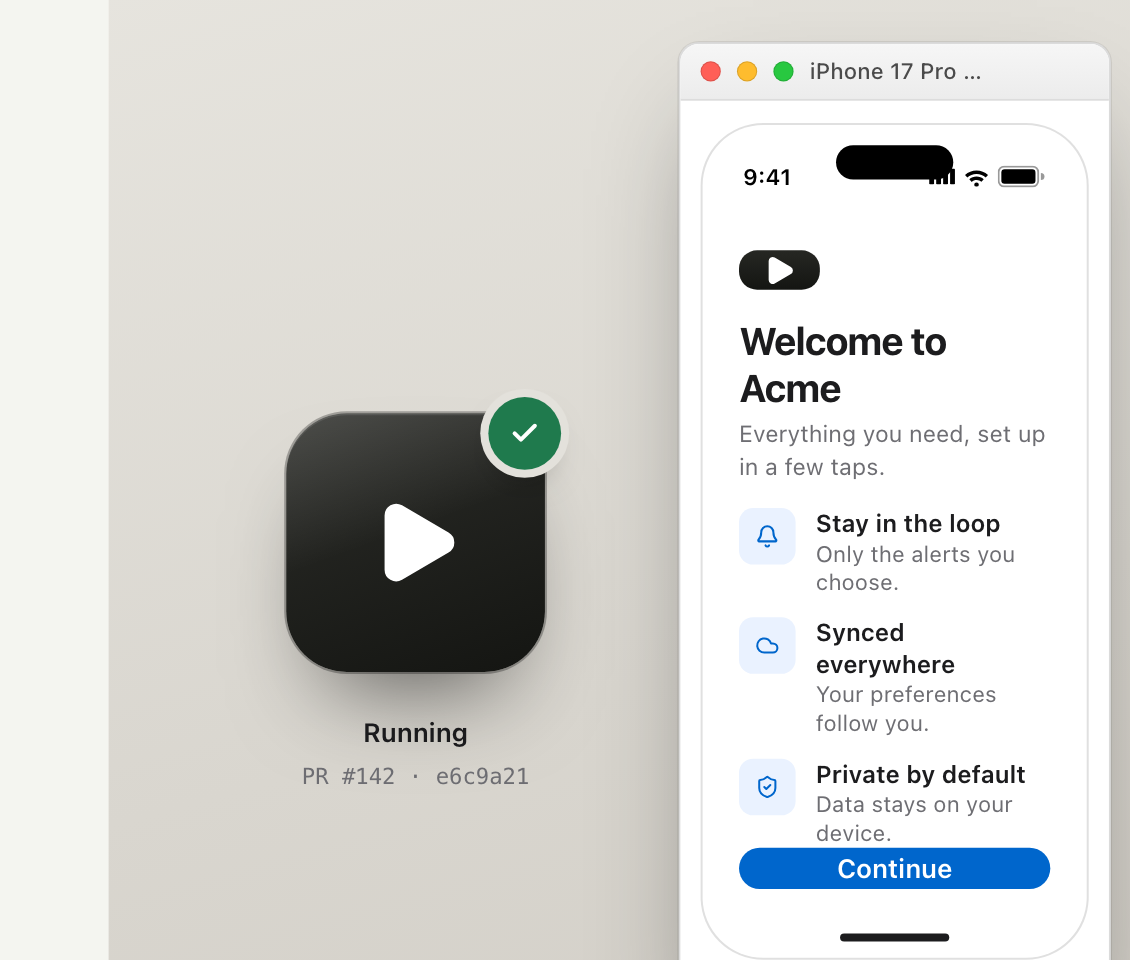
Keep your own branch open. SimPreview puts the exact pull request you are reviewing in Simulator on your Mac.
Install once
Three steps. Then every Run button works.
Each reviewer sets up the Mac app once. Nothing changes in the repositories they review.
- 1
Move SimPreview to Applications
Open the file, then drag SimPreview into your Applications folder.
- 2
Approve the beta once
In System Settings, open Privacy & Security and choose Open Anyway.
See Apple’s instructions - 3
Sign in with GitHub
Use the account you use for the repositories you review.
Ready for your Mac
SimPreview 1.0 beta
- macOS 14 or later
- Xcode with Simulator
- A GitHub account for your repositories
Mac app ready? Give your next pull request a Run button.
Connect an iOS repository, then open the working change before you approve it.